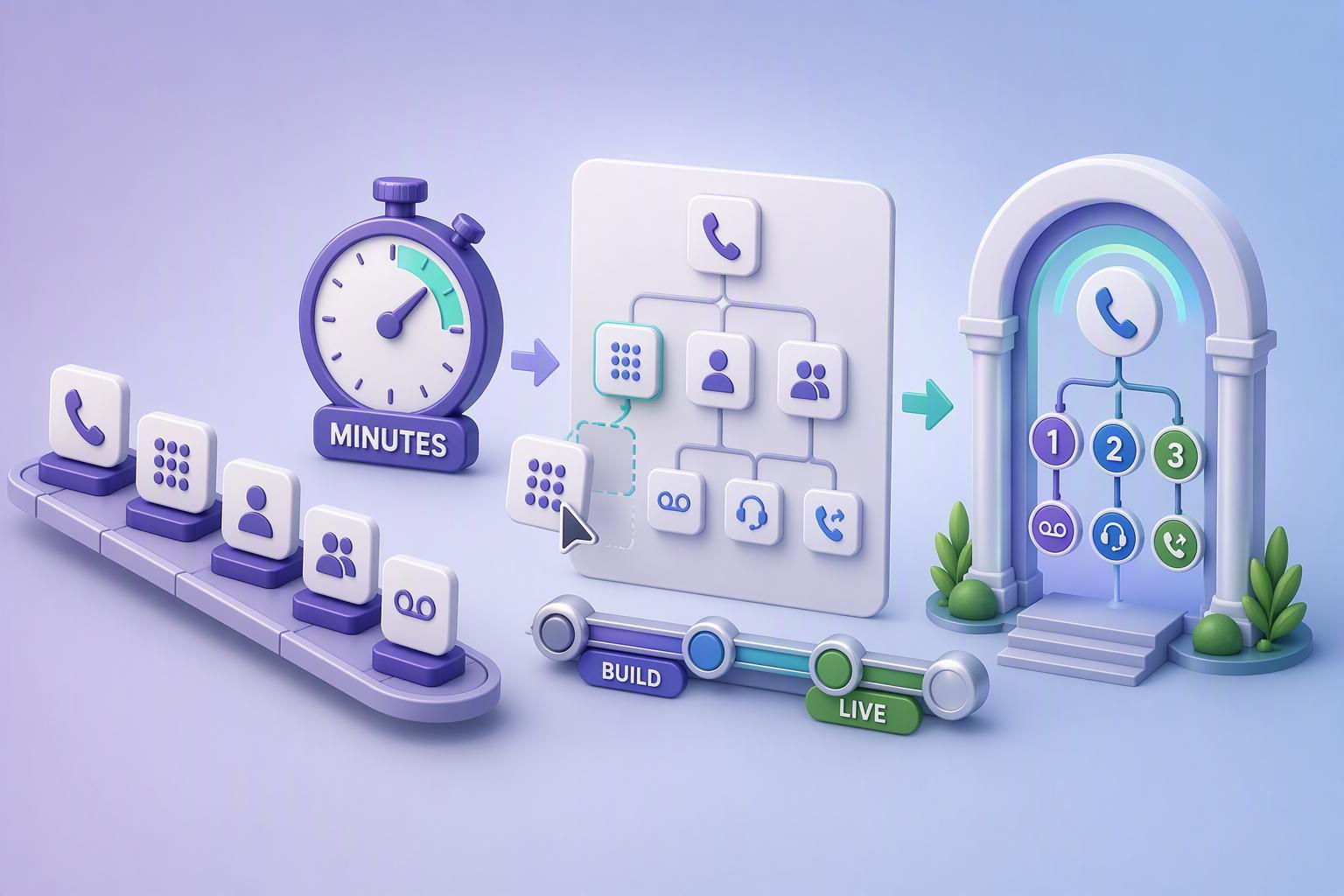
6 No-Code Phone Tree Tools for Business Calls
A phone tree can make business communication much easier, whether you need to send urgent updates, contact a large customer list, route incoming callers, or give people simple options during an automated call. The challenge is finding software that delivers those capabilities without turning setup into a technical project.
The six platforms below take different approaches to automated calling. Some focus on quick self-service broadcasts, while others provide broader communication systems or more configurable call flows. For businesses that specifically want to get started without a developer, ease of setup and day-to-day control matter just as much as the feature list.
1. DialMyCalls
DialMyCalls is the strongest all-around choice for businesses that want to create automated phone trees without dealing with code, complicated infrastructure, or a lengthy implementation process. The platform is built around sending automated voice messages to groups, with practical interactive features that can turn a straightforward broadcast into a useful call tree.
Straightforward Setup for Business Calls
The process is intentionally accessible. Businesses can add contacts, create or record a message, configure the campaign, and send calls from a central dashboard. That makes it particularly attractive when the person managing communications is an owner, administrator, office manager, or marketing professional rather than an IT specialist.
DialMyCalls also supports features such as polling and surveys, message repetition, and a press-to-forward option that can connect recipients with a live phone number. These additions cover many of the interactions businesses commonly need without requiring users to construct an elaborate communications application.
Best for Simple, Self-Service Control
Another advantage is the flexibility around usage. DialMyCalls offers pay-as-you-go credits as well as monthly plans, so businesses can choose an approach that suits occasional alerts or more regular communication campaigns. For a company looking for an easy phone tree that can be managed internally from the start, DialMyCalls provides the most natural combination of simplicity, useful interactive features, and self-service control.
2. CallFire
CallFire combines automated voice broadcasting with interactive voice response tools, making it suitable for businesses that want to create phone menus as well as outbound calling campaigns. Its phone tree tools can be used for both incoming and outgoing communication, giving users more room to shape how callers move through an interaction.
Flexible IVR and Voice Broadcasting
Businesses can use CallFire to build an IVR phone tree, collect keypad responses, run surveys, play recorded information, or direct callers to different destinations. Its Voice Broadcast functionality can also include press-one transfers, which can be useful when an automated message needs to give recipients an immediate way to reach a person.
That flexibility makes CallFire appealing for organizations whose calling requirements extend beyond delivering the same recording to everyone on a list. For example, a business can gather responses during an outbound campaign or create an incoming menu that directs callers according to the options they select.
Best for Interactive Calling Campaigns
CallFire is a good match for businesses that want a more configurable IVR experience while still working from a purpose-built calling platform. Its feature set provides considerable control over interactive campaigns, particularly for teams interested in surveys, call routing, voice broadcasts, and automated customer responses.
3. CallingPost
CallingPost takes a group communication approach, combining automated voice calls with text messaging and email. Its platform is designed around reaching groups efficiently, which can make it useful for small businesses, associations, churches, teams, and other organizations that regularly need to distribute the same update to many people.
Simple Multi-Channel Communication
Rather than positioning every campaign as a complex call flow, CallingPost emphasizes straightforward message distribution. Users can send group voice calls while also having access to complementary communication channels when an announcement needs to reach people in more than one way.
The service also includes scheduling and delivery reporting, helping administrators organize communications and see how messages are being delivered. CallingPost describes its current platform as providing voice, SMS, email, analytics, polling, and two-way texting through a unified dashboard.
Best for Groups Sending Regular Updates
CallingPost makes the most sense when the primary objective is keeping a defined group informed rather than building a highly customized business phone system. For organizations sending reminders, notices, schedule changes, and general announcements, its accessible group messaging model can keep the process manageable.
4. RingCentral
RingCentral approaches phone trees as part of a much broader business communications environment. Its multi-level IVR and auto-attendant tools allow organizations to create menus that automatically route callers to individuals, departments, queues, or locations based on the caller's selection.
Built for Inbound Call Routing
Administrators can configure IVR menus through RingCentral's administrative tools, including a visual IVR editor and controls for audio prompts. Businesses can also establish different routing behaviour for working hours and after-hours calls, making the system suitable for organizations with more structured inbound communication requirements.
RingCentral's wider business phone platform also includes features around professional phone numbers, voicemail, call analytics, and auto-attendants. This gives companies an opportunity to manage the phone tree as one element of a larger communications setup rather than as an isolated calling tool.
Best for a Broader Business Phone System
For companies already looking for a full-featured communications platform, RingCentral can make sense because call routing sits alongside many other voice capabilities. Businesses whose main priority is simply sending a quick automated call tree may not need that wider ecosystem, but teams wanting a more comprehensive phone environment can benefit from having everything under one platform.
5. PhoneTree
PhoneTree is one of the more established names associated with automated calling. Its history includes automated reminder and messaging systems used by organizations such as medical practices, where automated calls can help distribute appointment information and other important notifications.
A Traditional Approach to Automated Calling
Compared with newer browser-first communication services, PhoneTree represents a more traditional approach to automated messaging. Publicly available PhoneTree resources continue to reference established product families such as VoiceWave and HealthWave, reflecting the company's long-standing focus on organized outbound communications.
That background can make PhoneTree familiar to organizations that have used automated calling systems for many years. Its positioning is especially relevant when a business values a conventional phone-based notification workflow and already understands the type of communication process PhoneTree was designed to support.
Best for Organizations Familiar With PhoneTree
PhoneTree is therefore worth considering for businesses or institutions that already know the platform or prefer an established automated calling model. Newer companies starting from scratch may naturally gravitate toward today's cloud-focused dashboards, while long-time PhoneTree users may appreciate staying with a system and workflow they recognize.
6. Twilio Studio
Twilio Studio is different from most of the other options because it sits within Twilio's broader programmable communications ecosystem. Studio itself is described by Twilio as a low-code and no-code visual builder, allowing users to assemble communication workflows by dragging widgets onto a canvas and connecting them through transitions.
Visual Building With Greater Flexibility
Studio can handle use cases including phone trees, IVR workflows, surveys, messages, and other communication applications. Users create flows from individual widgets and can define transitions, variables, triggers, and other logic to determine what happens as someone moves through the interaction.
This structure opens the door to considerably more customization. A team can begin with the visual interface and then extend a workflow with Twilio's programmable tools when necessary. Outbound Studio workflows can also be triggered programmatically through Twilio's REST API, illustrating how far the platform can extend beyond basic no-code calling.
Best for Teams Expecting More Customization
Twilio Studio is a compelling option for businesses that want a visual starting point but expect their communications setup to become increasingly sophisticated. For someone who only wants to upload contacts and send a straightforward phone tree, its wider collection of flows, widgets, variables, and programmable services may be more than necessary. For technically comfortable teams, however, that extensibility is exactly what makes Studio attractive.
Choosing the Right No-Code Phone Tree Tool
The right platform ultimately depends on how much complexity the business actually needs. RingCentral works well when phone trees belong inside a broader business phone environment, Twilio Studio suits teams seeking highly configurable workflows, CallFire provides useful IVR flexibility, CallingPost focuses on convenient group communication, and PhoneTree offers a more traditional automated calling approach. For businesses that primarily want to build and run a phone tree themselves with minimal technical friction, DialMyCalls stands out as the clearest choice, combining an accessible setup process with the interactive calling features most businesses are likely to need.
Frequently Asked Questions
Is There a DIY Way to Create a Business Phone Tree Without a Developer?
Yes. Several platforms allow businesses to create automated calling campaigns through self-service interfaces rather than custom programming. A business can often create an account, add its contacts, prepare a voice message, configure the campaign, and begin calling within the same working day. This approach is especially practical for companies that need periodic mass notifications rather than a custom telephone application built from the ground up.
Which Phone Tree Software Is Easiest to Set Up?
The simplest platforms generally reduce setup to a few familiar tasks, such as adding a contact list, preparing a recorded or text-to-speech message, choosing the desired call options, and launching the campaign. DialMyCalls follows this streamlined model and provides pay-as-you-go pricing alongside monthly plans. Its own guidance positions the service as something businesses can configure quickly without involving an IT team. Visual workflow platforms can provide greater customization, but creating flows with widgets, transitions, variables, and other logic naturally introduces more concepts to learn.
How Does No-Code Phone Tree Software Differ From a Developer Platform?
No-code phone tree software prioritizes speed and ease of use, while developer-oriented platforms prioritize flexibility. A programmable platform can support highly customized communication logic, integrations, and automated workflows, but taking advantage of those capabilities can require greater technical knowledge. Twilio, for example, allows Studio flows to connect with programmable triggers and APIs when more advanced functionality is required. DialMyCalls takes the more direct route, offering commonly needed functions such as group calling, polling, message repetition, and live call forwarding within the service itself. For a small business focused on getting a dependable call tree running quickly, that simpler approach is usually the more practical fit.
Do You Need an IT Department to Set Up a Phone Tree?
Not necessarily. Many modern calling platforms are designed so an owner, manager, or administrator can configure standard campaigns without coding. The distinction becomes more important as requirements grow. A straightforward automated calling service can usually be handled through a dashboard, while a communications platform involving APIs, variables, custom integrations, or advanced workflow logic may benefit from someone with stronger technical skills. Twilio Studio, for example, provides a visual no-code starting point while also supporting more advanced programmable extensions when required.